Learn
How to Share a Team Schedule With Parents So Nobody Misses a Game
The best way to share a team schedule with parents is to publish it once and sync it into the calendars they already use, so team events sit next to work, school, and family life instead of in an app they forget to open. A schedule the family never sees is the same as no schedule at all. The goal is not to send the schedule. It is to get it somewhere parents will actually look, and to keep it right when things change. That matters most at the start of a new season, especially a fall season that kicks off while families are still in summer mode, and it works the same for any sport. Below: the sharing methods compared side by side, and the exact kickoff message to send with the link.
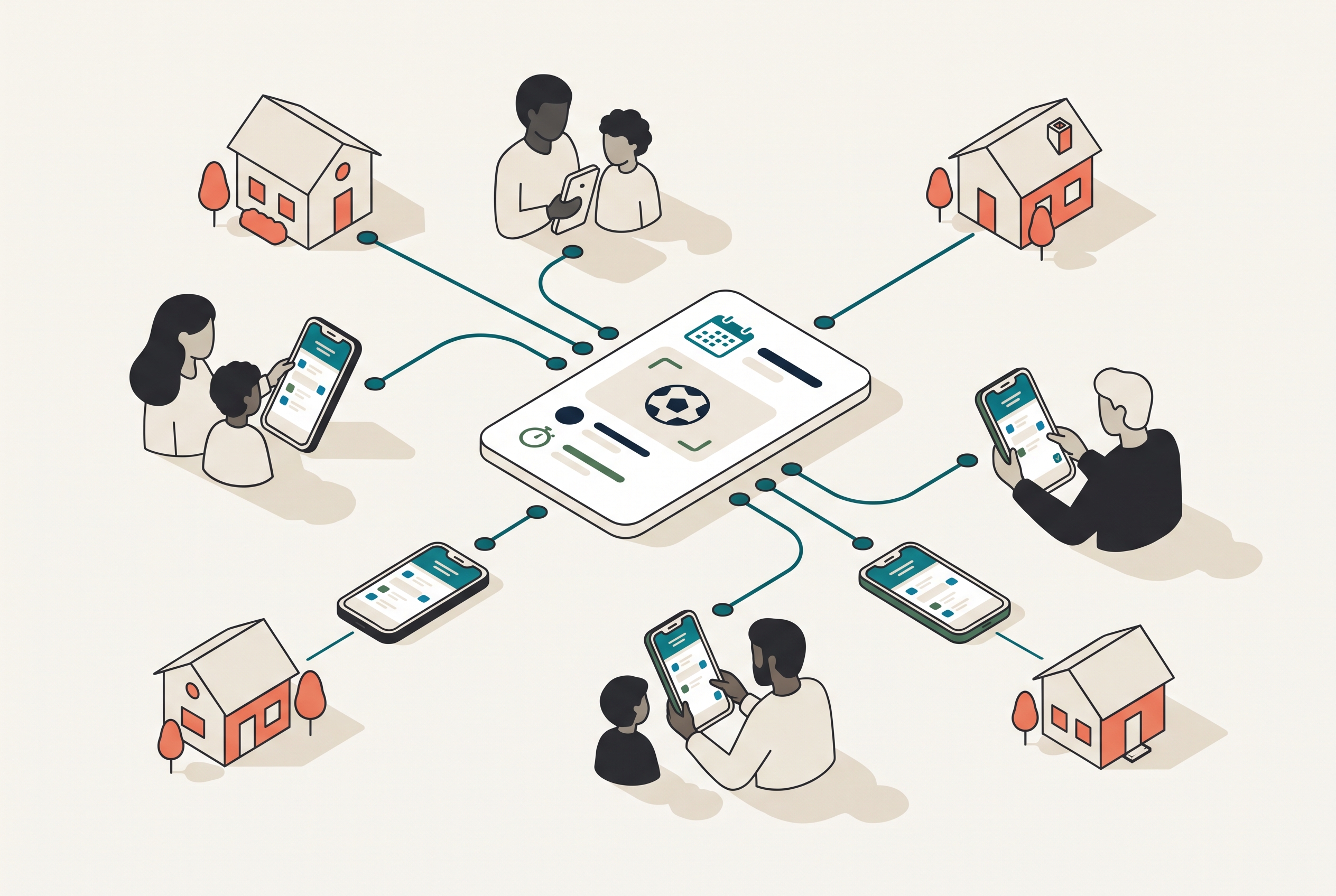
Most of the "wrong field, wrong time" problems coaches deal with are not schedule problems. They are sharing problems. The coach knew. The information just never made it into the parent's line of sight, or it made it there once and then a rainout moved a game and the update never caught up.
Four ways to share a team schedule, compared
Every coach reaches for one of four methods. Here is how they actually hold up over a season:
| Method | Effort for you | Reach | Staleness risk |
|---|---|---|---|
| Group text | None up front, constant after | Whoever is in the thread and reads it | High: a change scrolls out of sight within hours |
| Printed handout | Low, once | One fridge per household | Highest: wrong the first time anything moves, forever |
| Shared spreadsheet | Medium, ongoing | Parents who bookmark it and re-check it | Medium: current only if families keep opening it |
| Synced calendar app | Low, once | Every phone, automatically | Low: an edit updates everyone's calendar on its own |
The pattern in that table is the whole argument. The first three methods put the burden of staying current on parents. Only the fourth makes updates travel on their own, which is why it is the one this guide builds on.
Why the group text is not the answer
A group text feels like sharing, but it is a bad container for a schedule. Dates scroll away. A change from three weeks ago is buried under sixty messages about snack duty. I have watched a parent bring their kid an hour late because a time change sat two screens above the latest round of "who has the water jug?" A parent who joins mid-season has no way to reconstruct the schedule from a thread at all.
Texts are fine for a quick "running ten minutes late." They are the wrong tool for the schedule itself, which needs to be a stable, always-current source that a family can check any time without scrolling.
Publish the team schedule to one shared place first
Before you can share well, you need one authoritative version of the schedule that you maintain and everyone reads from. If you are still assembling it, start with how to make a team schedule, because sharing a half-built schedule just means sharing it twice. Every practice and game should be on it, each with a real location and a visible arrival time.
The key idea is that you edit in one place and families read from that same place, live. When those are the same source, an update is instant for everyone. When they are different, every change becomes a re-send, and re-sends are where information gets dropped. The family reading version two of a three-version schedule has no idea they are out of date, which is what makes stale schedules so hard to catch.
Sync it into the calendars families already live in
This is the step that actually gets parents looking. Instead of asking families to remember to open a team app, push the schedule into the tools already on their phones. With Rizzler, you publish the schedule once and sync it to Google Calendar, Apple Calendar, and more, including TeamSnap and SportsEngine, and Schedule Sync is free on every plan. Now a Saturday game shows up right beside a dentist appointment and a sibling's recital, which is exactly where a parent will see it.
Calendar sync also solves the two hardest households to reach: the mid-season addition and the two-home family. A calendar link works for the grandparent who does Wednesday pickups and never installs anything, and it works for the second household that was never on the original email. You are meeting families where they already are instead of asking them to adopt one more place to check.
Send this kickoff message with the schedule link
Sharing works best when the schedule arrives with instructions. Send this the night the schedule goes live, before the first "when is practice?" text has a chance to arrive. Copy it, swap in your details, and send it by whatever channel reaches all your families:
Hi everyone, this is Coach Dana with the 12U Falcons. Our full season
schedule is now posted here: [schedule link]

Three things to do this week:

1. Open the link and add the schedule to your phone's calendar. It takes
   about a minute, every practice and game will appear in your own
   calendar, and any changes update automatically.

2. Set your player's availability for the first two weeks (Yes / No /
   Maybe on each event). Older players can RSVP for themselves.

3. Note the arrival times. Game arrival is 45 minutes before start
   time; practice arrival is 15 minutes early.

The group text is for same-day news only. The schedule link is always
the source of truth. Questions? Call or text me directly: [your number].
Two lines in that message do most of the work. "The schedule link is always the source of truth" heads off the parent who replies to the thread asking you to confirm a time the schedule already shows. And giving three numbered actions gets far better follow-through than a paragraph asking families to "check out the schedule."
Make sure changes actually reach everyone
Sharing the schedule once is only half the job. The harder half is keeping it right, because youth sports schedules change constantly: rain moves a practice, a tournament reshuffles pool play, a field gets double-booked. The failure mode is a change that lives in your head and one group text but never reaches the family that shows up at the old time. In my experience that family is usually the one that has never missed an event, which makes it worse.
The fix is to update the schedule in one place and let it carry the change out. When your schedule is synced to families' calendars, editing the event updates it everywhere it appears. On Rizzler's Coach and Club plans, schedule changes also go out as email and SMS alerts, so a moved game reaches the whole team at once instead of depending on who happened to read the thread. You update once. Everyone finds out. Nobody stands at the wrong field.
Close the loop: sharing plus availability
Sharing the schedule and knowing who is coming are two halves of the same workflow, so turn on availability the day the schedule goes out. In Rizzler, once families can see the schedule, they can set availability and RSVP for each event, older players can RSVP for themselves, and all of that is free on every plan. Now sharing does double duty: parents see the plan, and you see your headcount before Saturday instead of at it. If tracking that headcount is your main concern, see how to track attendance for a sports team, and the schedule and attendance overview shows how RSVP, calendar sync, and notifications fit together.
A shared, synced schedule with availability turned on is the quiet backbone of a well-run team, and a good team management app can layer the rest of the season on top of it, from lineups to player development, without you ever re-sending a single date.
The short version
Here is how to share a team schedule with parents, in order:
- Build one authoritative schedule with locations and arrival times on every event.
- Sync it into the Google and Apple calendars families already use, so it reaches every phone.
- Send the kickoff message above with the link, three actions, and one rule: the link is the source of truth.
- Make every change in the schedule itself and let it push updates out, by synced calendar and, on Coach and Club, by email and SMS.
- Turn on availability the same day, so the schedule that tells parents where to be also tells you who is coming.
Do that and you stop being the human relay for every date and time. The schedule does the reminding, which is the whole point of sharing it.
Frequently Asked Questions
What is the best way to share a team schedule with parents?
Publish one authoritative schedule and sync it into the calendars families already use. With Rizzler you publish once and it syncs to Google Calendar, Apple Calendar, TeamSnap, SportsEngine, and more, so team events sit next to the rest of a family's life. Schedule Sync is free on every plan.
Is a group text good enough for sharing the schedule?
For quick messages, yes. For the schedule itself, no. Dates scroll away, changes get buried under routine chatter, and mid-season families cannot reconstruct the season from a thread. Use a synced calendar for the schedule and save texts for one-off, same-day notes.
What should I say when I first send parents the schedule?
Send the link with exactly three actions: add the calendar to your phone, set your player's availability for the first two weeks, and note the arrival times. Then state one rule, that the schedule link is always the source of truth. The copy-paste template in this guide covers all of it in under 150 words.
How do parents find out when a game or practice changes?
Update the schedule in one place and let it push the change out. Because a synced schedule updates in families' own calendars, editing the event updates it everywhere. On Rizzler's Coach and Club plans, changes also go out by email and SMS so the whole team hears at once.
Can parents and players respond to say whether they are coming?
Yes. Once families can see the schedule they can set availability and RSVP for each event, and older players can RSVP for themselves through the player app or the website. Basic availability and RSVP are free on every plan, so sharing the schedule also gives you a live headcount.
Do families need to download an app to see the schedule?
Not necessarily. Because Rizzler syncs to Google and Apple Calendar, families can see team events in the calendar already on their phone. That is what makes the schedule reach the grandparent doing pickup and the parent who rarely opens a team app.
Ready to share a schedule families actually see?
Coordinating schedules across many teams? Our team can help.
Talk to our team
Want to spend more time coaching and less time with paperwork? Let's talk.
Tell us about your team and we'll show you how to plan games, set lineups, run the schedule, and develop players in one place, so you spend the season coaching instead of chasing admin.
Less admin, more coaching
Plan games, set lineups, and track the season in one place
Keep every family in the loop automatically
Tell us about your program
4 fields · takes 30 seconds
Lands in the same inbox as the Help button · human response only
Read Next
How Does Tournament Planning Work in Rizzler?
FAQHow to Build and Manage a Flag Football Roster
Flag FootballHow to Build a Batting Order for 11U-12U Baseball
LearnTeamSnap vs SportsEngine: Which One Do You Actually Need?
ComparisonEquipping Your Little League Coaches with Tools
For LeaguesHow to Build a Batting Order for 15U-18U Baseball
Learn