
Rizzler Sports for Parents
When your child's coach runs the team on Rizzler, you get a direct window into the season: see the schedule, RSVP to games and practices, get notified when plans change, and view the stats and skill reports the coach shares with you. There is no separate charge for parents, and it works on the web and in the Parent App for iOS.
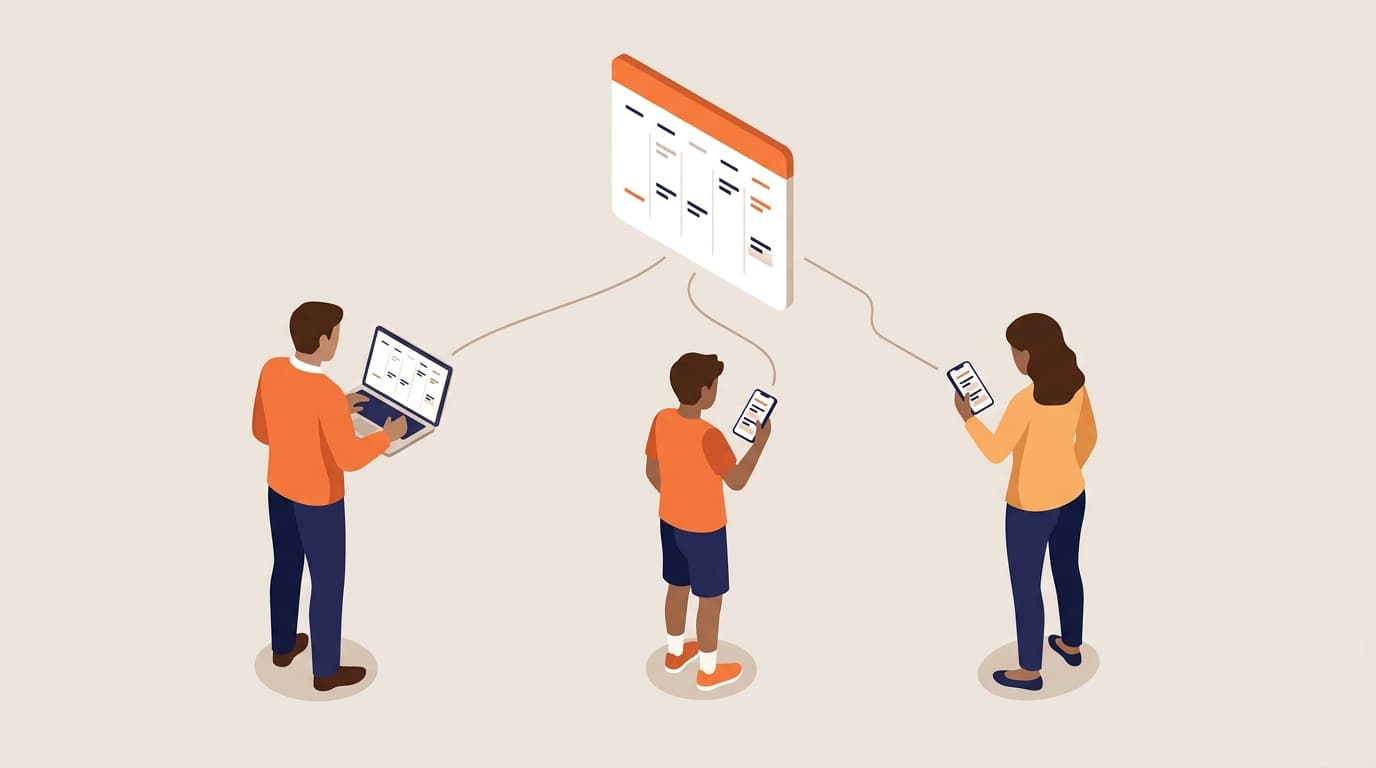
What parents can do with Rizzler
See the schedule and RSVP in seconds
Every game and practice your child's coach schedules shows up in your parent account. Tap Going, Not going, or Maybe for each event and the coach sees who is coming, so nobody is chasing replies in a group text.


Know when plans change
Fields flood and start times move. On teams with a Coach or Club plan, Rizzler sends email and SMS notifications when the schedule changes or when the coach requests RSVPs, so you hear about it before you load the car.
Follow your child's development
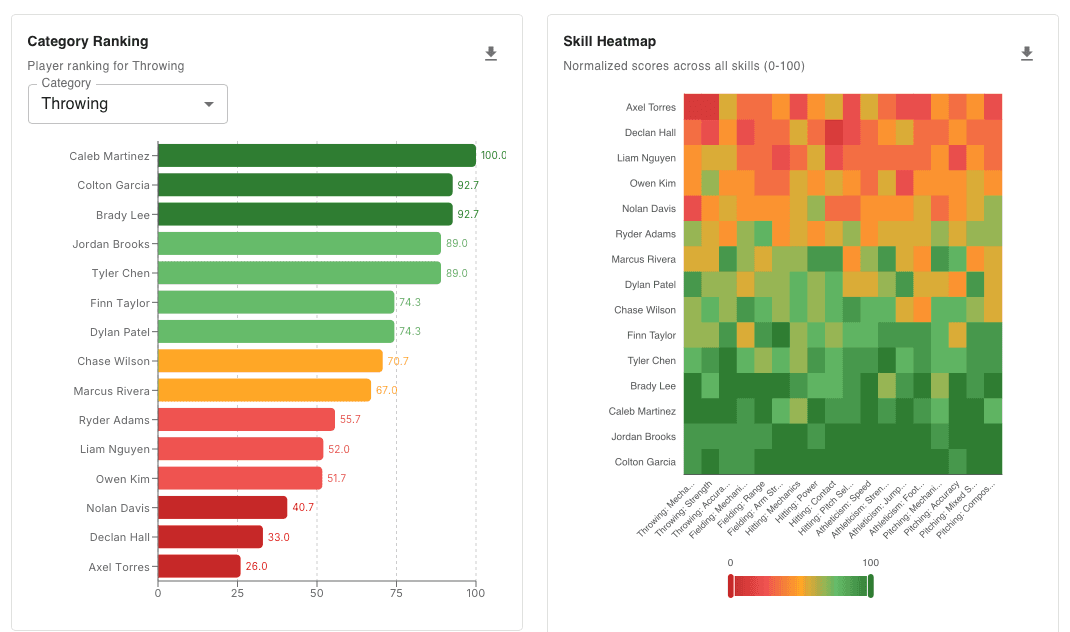
When your child's coach shares a skill progress report, it appears in your parent account, and you can view the stats the coach chooses to share. You see the same picture of progress the coaching staff is working from, not secondhand summaries.
One account for every kid
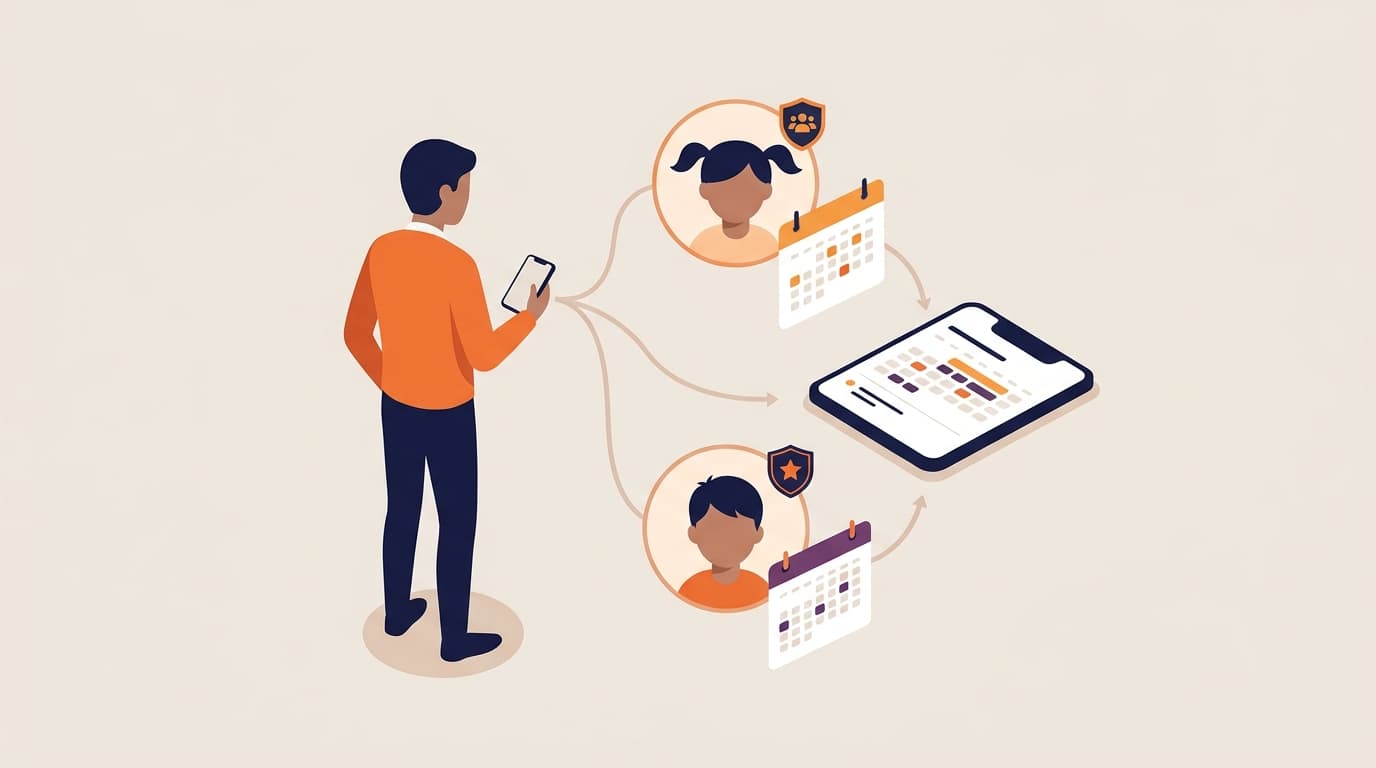
Have two players on different teams? Link each child to the same parent account and switch between them with one tap. Each child's schedule, RSVPs, and reports stay separate.
On the web and in the Parent App
Use Rizzler from any browser, or download the Parent App for iOS to keep the schedule and your RSVPs in your pocket.

Parent FAQ
Is my kid's data private?
Yes. Stats and evaluations are not public. Coaches control what is shared, and parents only see information for their own linked children. Read more in Are player stats private? and Is my data secure?
How do I RSVP for my child?
Your child's coach sends you an invitation by email from the team roster. Once you create your parent account, open the Schedule tab and tap Going, Not going, or Maybe on any upcoming game or practice. You can change your answer any time before the event.
What does it cost for parents?
There is no separate charge for parents. Your access comes with your child's team. The coach or organization manages the team's Rizzler plan, and which features they have (like email and SMS notifications) depends on that plan.
Can I follow more than one child?
Yes. If you have multiple kids using Rizzler, each one can be linked to your account and you can switch between them from the same login.