Learn
How to Make a Team Schedule Your Whole Team Will Actually Follow
To make a team schedule, gather your league games, practice slots, and blackout dates, block the recurring practices first, layer in games and tournaments with real locations and arrival times, then sync the finished schedule to the calendars families already use. That is the method. The reason it deserves a full guide is that a team schedule is only useful if every family can see it and trust it. The goal is not a pretty calendar. It is getting twelve kids and their parents to the right field at the right time, all season, without a group text that spirals every week. The steps are the same whether you coach soccer, football, volleyball, baseball, or anything else, and if you are setting up a brand new team for a fall season, this is exactly the order to build in during the weeks before your first practice. Here is each step with real planning numbers, plus a sample week you can copy.
Step 1: Gather everything before you touch a calendar
Pull your inputs together first so you are not editing the schedule ten times. You need four things: the league or tournament game schedule, your practice slots (day, time, and field), your blackout dates, and your roster, so you know who you are scheduling for. If you are still building the roster, start there, because the schedule works best when it is tied to the actual players and families it is for.
Two planning realities are worth knowing up front. First, leagues publish late. Plenty of rec leagues do not release game schedules until a week or two before opening day, and tournament brackets often drop the week of the event. Do not wait on the league to start building. Practices, blackout dates, and the roster can all be done while you wait for games. Second, blackout dates are easy to underestimate. Spring break, Memorial Day weekend, school concerts, and an older sibling's graduation all land inside a spring season. Ask families for conflicts once, in writing, before the season starts, so you are scheduling around facts instead of a guess.
Step 2: Block your recurring practices first
Practices are the backbone of the team schedule, so lay them down before anything else. How many you need depends on age and level:
- 6U to 8U rec: one practice a week is usually plenty, about 60 minutes.
- 9U to 12U rec: one or two practices a week, 60 to 90 minutes each.
- Travel teams: two to three sessions a week is the norm, on top of a much heavier game load.
Now do the season math. A typical spring rec season runs somewhere between 10 and 14 weeks from first practice to the closing tournament, and warm-weather leagues stretch longer, sometimes February into June. Two practices a week across a 12-week season is roughly 24 practice events. Set them as one recurring series for the whole season in one move rather than typing 24 individual entries. And give each one a real location, not "the usual field." The parent who is new to the team does not know where the usual field is, and a complex with six identical fields needs a field number.
Step 3: Add games, tournaments, and the odd one-offs
Layer in the league games from the published schedule, then tournament weekends as their own grouped events, then the scrimmages and one-offs. For scale: rec teams commonly play somewhere between 8 and 20 games in a season, while travel teams can play 35 to 60 across a year, so the game layer is anywhere from a light sprinkle to the bulk of your calendar.
For each game, add the opponent, the start time, the location, and the arrival time. Arrival time is the field coaches skip and then regret. A 12U team that starts warmups 45 minutes before game time needs the 12:15 arrival on the event itself, not buried in a note under a 1:00 start. Tournament weekends are where schedules get messy, so group those games together. Nobody should have to reconstruct Saturday from four separate entries, especially when game two's time depends on game one's result.
What a week on a 12U team schedule actually looks like
Here is a normal non-tournament week for a 12U spring rec team, which is the cadence most teams settle into:
| Day | Event | Arrive | Start | Where |
|---|---|---|---|---|
| Monday | Off | |||
| Tuesday | Practice | 5:45 PM | 6:00 PM | Miller Park, Field 3 |
| Wednesday | Off | |||
| Thursday | Practice | 5:45 PM | 6:00 PM | Miller Park, Field 3 |
| Friday | Off | |||
| Saturday | Game vs. Hornets | 12:15 PM | 1:00 PM | Veterans Complex, Field 2 |
| Sunday | Off |
Three things are worth copying from this table. The arrival column exists, and it is different from the start time, which is what stops half the roster from walking up as the game starts. Locations go down to the field number, because "Veterans Complex" alone sends a family wandering past five wrong fields. And the off days are real: this week asks a family for about five to six hours, and schedules that respect a family's time are the ones that get followed. A travel team runs the same shape with a third session midweek and a Sunday bracket day where the day off used to be.
Step 4: Share the team schedule where families already look
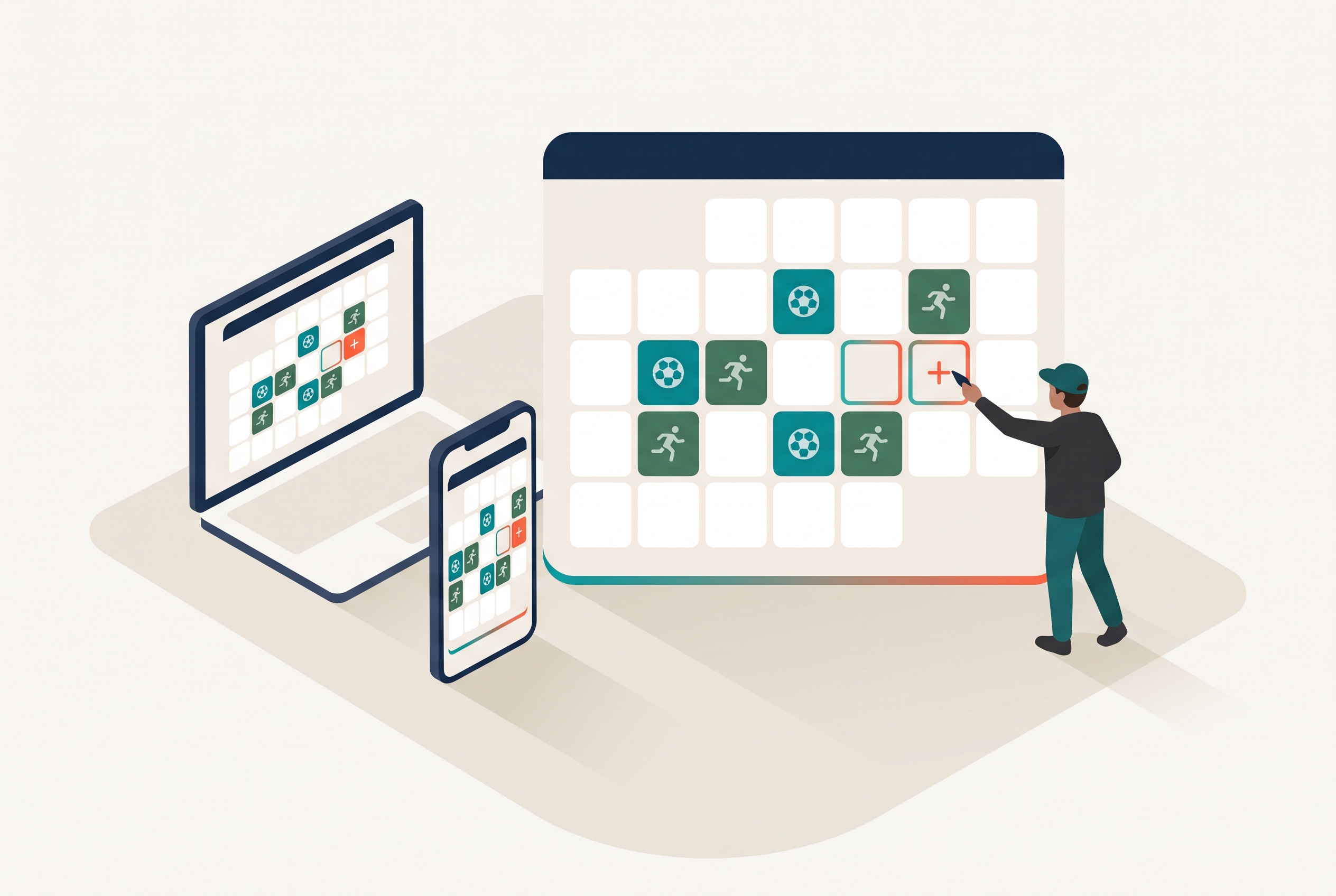
This is the step most coaches skip, and it decides whether the schedule works at all. A calendar nobody opens is worthless. The fix is to push your schedule into the apps families already live in. With a tool like Rizzler, you publish the team schedule once and it syncs out to Google Calendar, TeamSnap, SportsEngine, and more on every plan, so team events sit right next to the rest of a family's life. See how to sync your team schedule to Google Calendar for the exact steps, and how to share a team schedule with parents for the full sharing playbook, including the kickoff message to send with the link.
While you are at it, turn on availability so the schedule tells you who is coming. In Rizzler, players and parents RSVP Yes, No, or Maybe for each event, older players can RSVP for themselves, and all of that is free on every plan. Now the schedule is not just a list of dates. It tells you whether you will have nine kids on Saturday. For how scheduling, availability, and notifications fit together in Rizzler, see the schedule and attendance overview.
Step 5: Keep it current, and let it do the reminding
A schedule that is wrong once loses families for the season, and youth schedules change constantly. Rain moves a practice, a tournament reshuffles pool play, a field gets double-booked. The point of a shared, synced schedule is that you update the event once and everyone sees the change, instead of firing off a text and hoping it lands. On Rizzler's Coach and Club plans, changes also go out by email and text, and availability updates in real time, so a moved game does not turn into six families standing at the wrong field. A good team management app turns the schedule from a thing you maintain into a thing that maintains the team for you.
A pre-flight checklist for your team schedule
Run the finished schedule against this list before you call it done:
- Every event has a real location, down to the field number.
- Arrival times are on the event itself, not buried in a note.
- Recurring practices are set as a series, not typed in one at a time.
- Blackout dates came from families in writing, not from memory.
- Tournament games are grouped so a weekend reads as one block.
- The schedule is synced to a calendar families already use.
- Availability is turned on, so the schedule shows a headcount, not just dates.
That is the difference between a calendar and a team schedule that actually runs the team.
Frequently Asked Questions
What's the easiest way to make a team schedule?
Gather your games, practices, and blackout dates first, set recurring practices as a series, add games and tournaments with real locations and arrival times, then share it to a calendar families already use. A team management app does the sharing, reminders, and availability for you so you are not managing it by text.
How far in advance should I build the team schedule?
Build the parts you control three to four weeks before your first practice: recurring practice slots, blackout dates, and the roster. Games usually cannot go in that early, because many rec leagues publish the game schedule only a week or two before opening day. That lag is normal. Share the practice schedule as soon as it exists and drop the games in when the league releases them.
How do I share a team schedule with parents?
Publish it to a shared calendar and, ideally, an app that pushes changes automatically. With Rizzler you publish once and it syncs to Google Calendar, TeamSnap, SportsEngine, and more, and it reaches families through the parent and player apps, so everyone reads the same schedule and sees every update to it.
How do I handle schedule changes without chaos?
Update the schedule in one place and let it notify everyone, rather than sending a separate text you hope people see. On Rizzler's Coach and Club plans, changes go out by email and SMS and availability syncs in real time, so a change reaches the whole team at once.
Should the schedule include practices or just games?
Both. Practices are the events families most often forget, so putting them on the same shared schedule as games, with locations and times, is what prevents the "wait, is there practice tonight?" texts. For a typical 12U rec team that is only one or two entries a week, set once as a recurring series.
Ready to build a schedule that runs itself?
Coaching a club or league and scheduling many teams? Our team can help.
Talk to our team
Want to spend more time coaching and less time with paperwork? Let's talk.
Tell us about your team and we'll show you how to plan games, set lineups, run the schedule, and develop players in one place, so you spend the season coaching instead of chasing admin.
Less admin, more coaching
Plan games, set lineups, and track the season in one place
Keep every family in the loop automatically
Tell us about your program
4 fields · takes 30 seconds
Lands in the same inbox as the Help button · human response only
Read Next
Little League Catcher-to-Pitcher Rule: What Coaches Need to Know
RulesHow to Build a Batting Order for 11U-12U Baseball
LearnVolleyball Drills: The Library, Organized by Skill
VolleyballHow Do I Download the Rizzler iOS App?
FAQVolleyball Practice Plan Template: Printable Session Sheet and Weekly Grid
VolleyballVolleyball Stats: Every Stat Explained, and What to Track
Volleyball